View Search Results from Latest Run
Step 1: After a search has successfully finished running, click the See Results button on the Left Navigation Bar. High-level feasibility results of the system design and optimization will be summarized under categories that include the following:
- Solar System Analysis
- Financial Analysis
- System Components
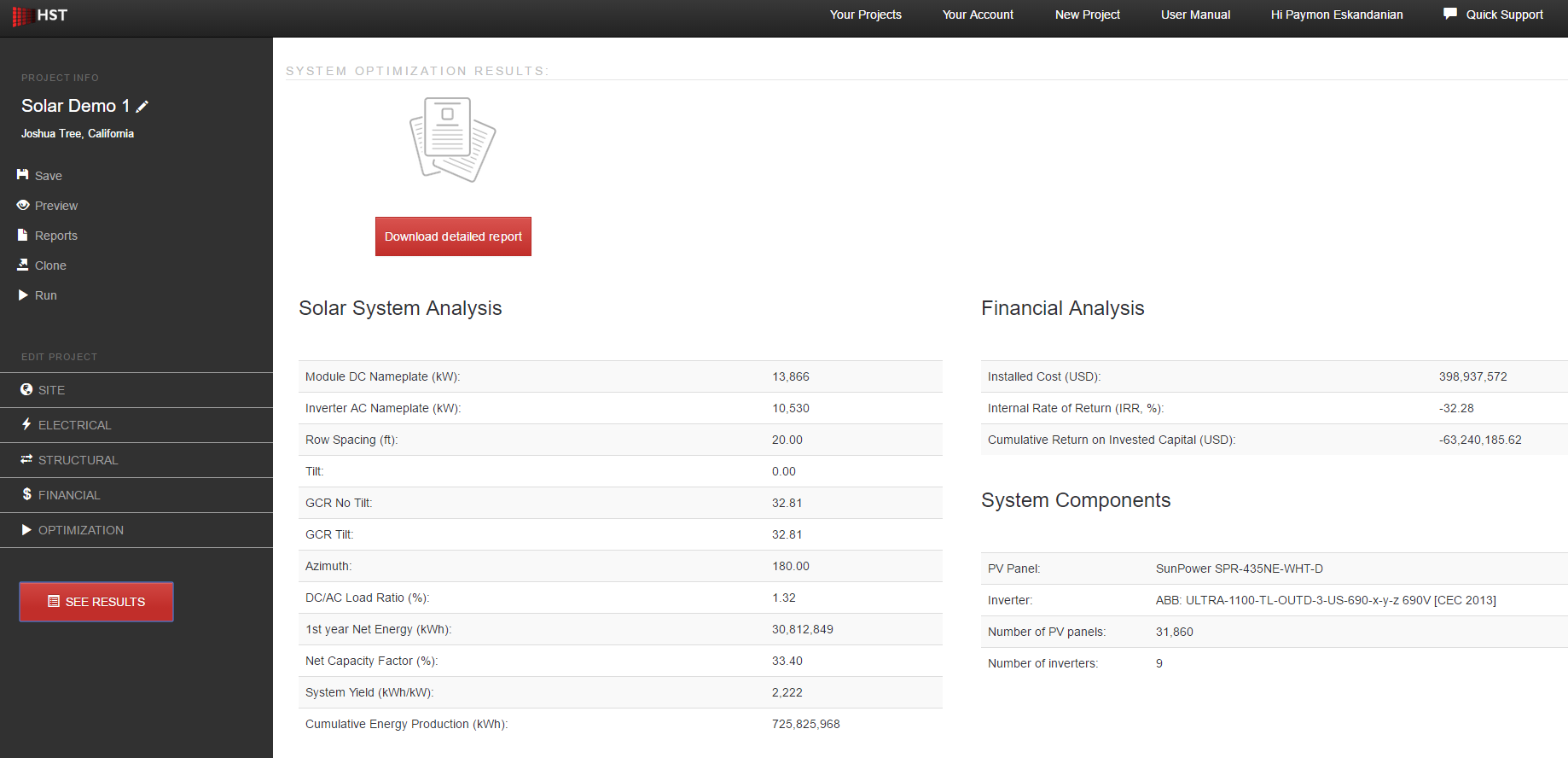
Step 2: To view any of the reports generated, click the red Download button for the reports desired. Reports will open in HTML format in web browser.